
Download Hangman Classics for XBOX and PC – Word-Guessing Game, Multi-Language, Ad-Free, Privacy-Focused
Overview
Hangman Classics for XBOX and PC delivers a nostalgic yet refined take on the classic word-guessing game, designed for players who appreciate simplicity, mental challenge, and clean gameplay. The app serves as a digital revival of a beloved pastime, offering a distraction-free environment where users can sharpen their vocabulary and language skills. It is particularly suited for language learners, educators, and families seeking a low-pressure, engaging activity that promotes cognitive engagement and linguistic awareness.
The game’s core purpose lies in combining entertainment with educational value, making it a useful tool for both casual play and structured learning sessions. Although the developer did not provide additional background information, the app’s focus on privacy, multi-language support, and ad-free design suggests a thoughtful approach to user experience. Real-world use cases include classroom activities, family game nights, and personal language practice.
In the broader app ecosystem, Hangman Classics fills a niche for minimalist, secure, and educational games that prioritize user well-being over monetization, standing out in a market saturated with data-hungry applications.
Key Features & Functionality
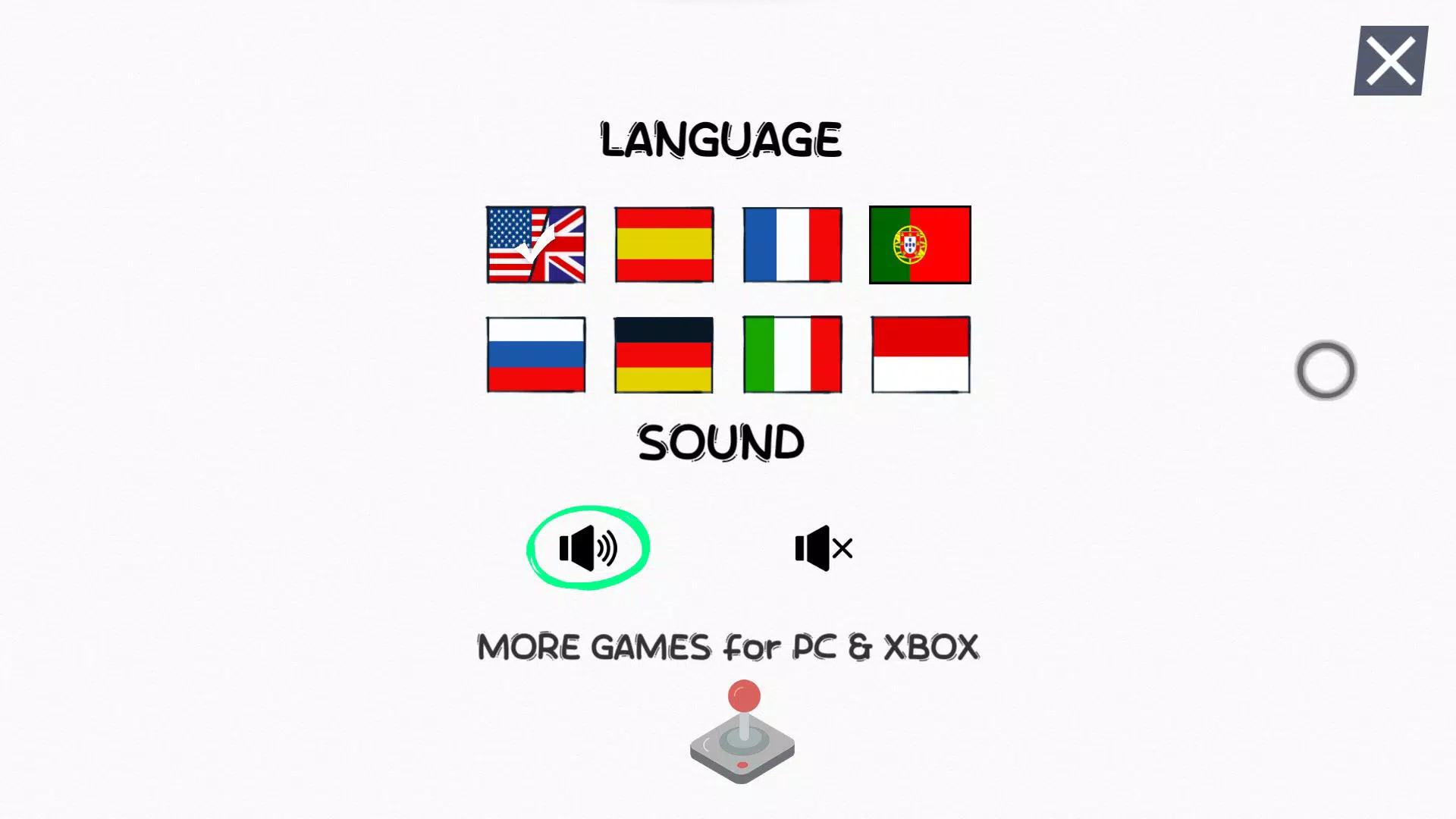
- Multi-Language Support: The game includes word pools in English, Spanish, French, German, Portuguese, Russian, Italian, and Indonesian, allowing users to explore diverse vocabularies and practice language recognition across multiple linguistic systems. This feature supports language learners by exposing them to common words and phrases in context, enhancing retention through gameplay.
- Ad-Free Experience: Players enjoy uninterrupted gameplay with no in-app advertisements, ensuring that focus remains on word-solving without external distractions. This is especially beneficial for younger users and educational settings where interruptions can disrupt learning momentum.
- Privacy-First Design: The app does not collect personal data, making it a secure option for users concerned about digital privacy. This commitment supports safe usage for children and families, aligning with growing demand for transparent and ethical software.
- Progress Tracking: Users can monitor their performance over time, setting personal goals and competing with friends or family members. This feature encourages repeated play and skill development by turning each round into a measurable challenge.
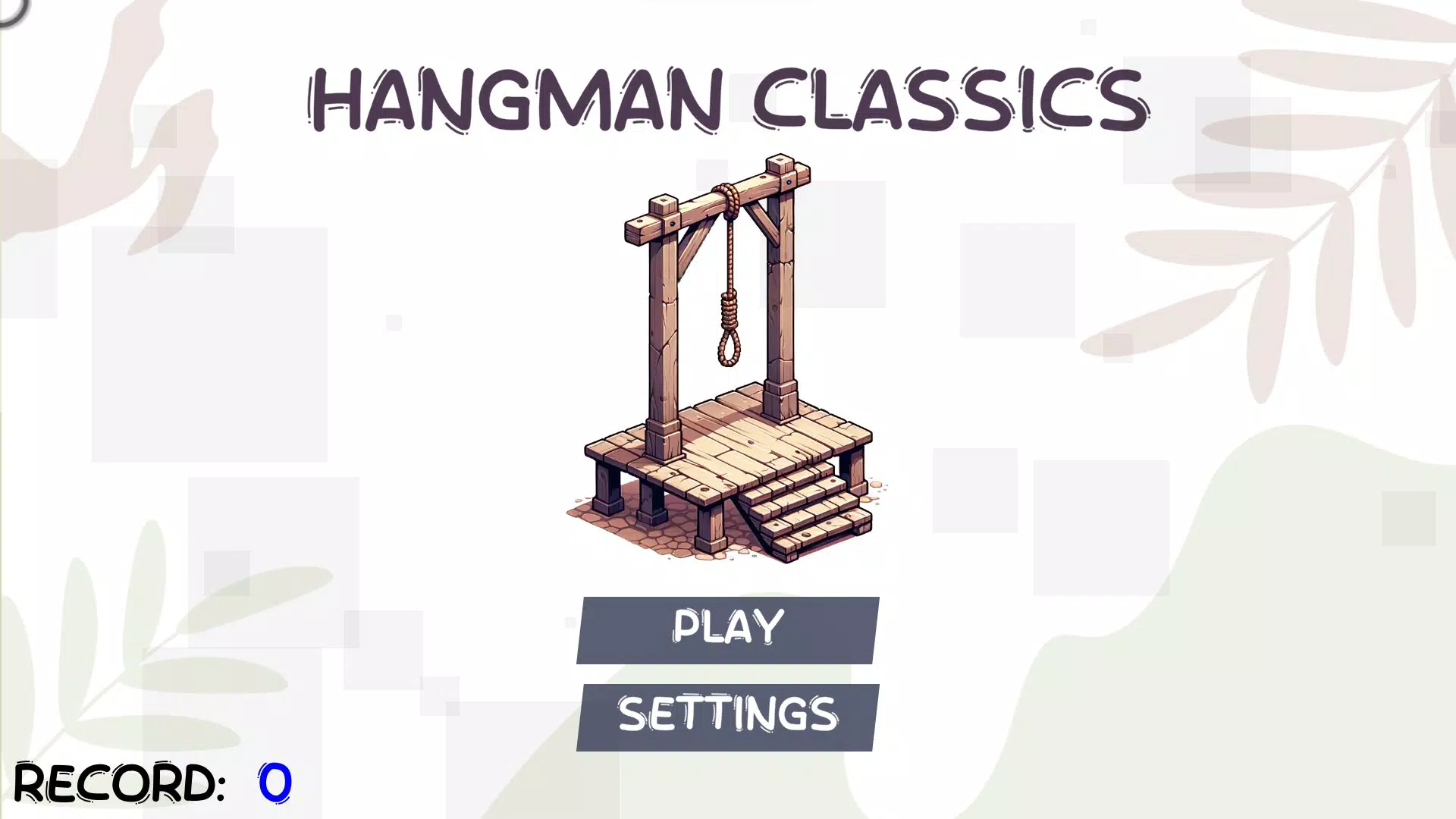
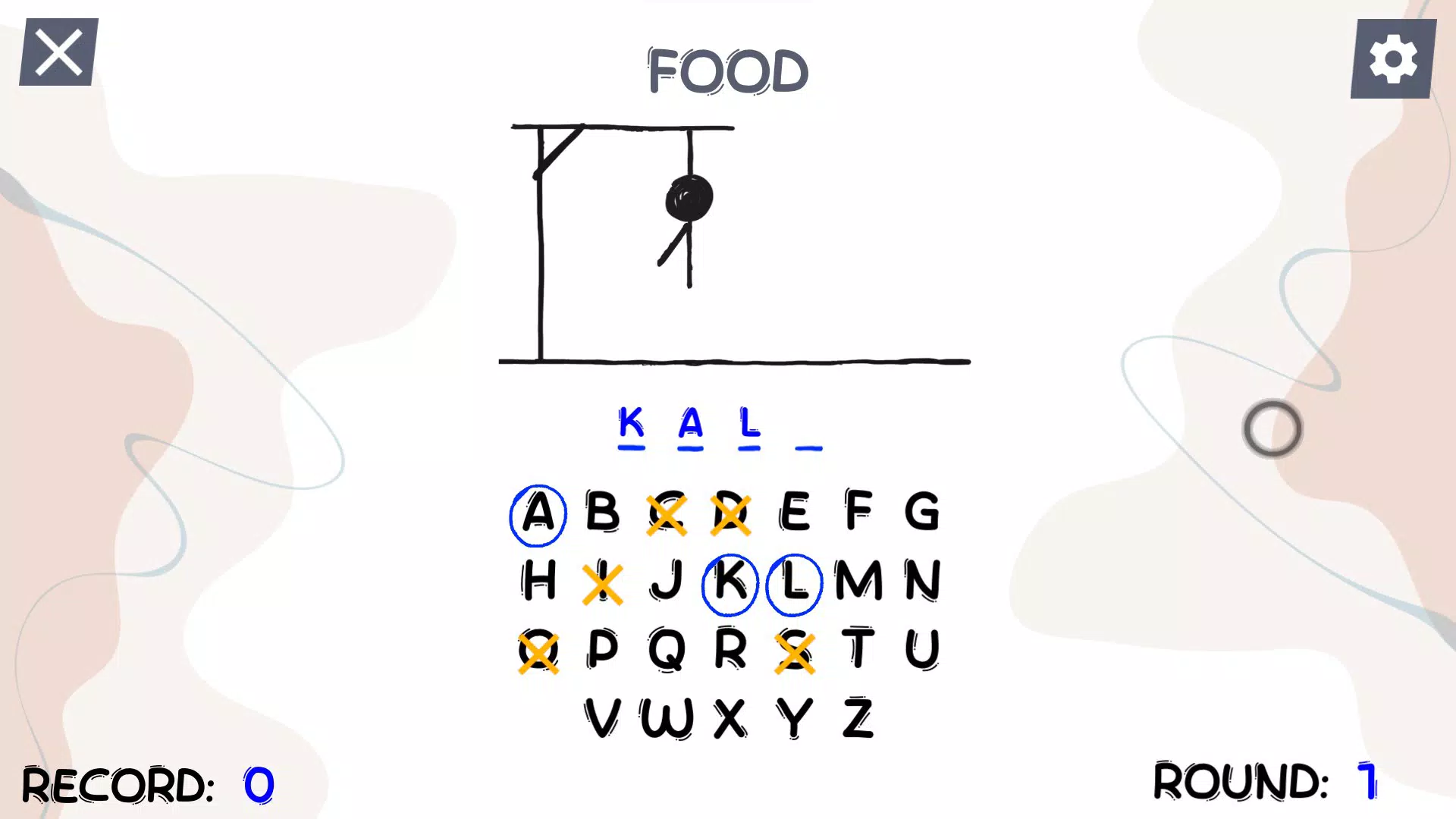
- Classic Visuals with Modern Touch: The interface retains the iconic look of the traditional hangman game—simple line art and clear letter grids—while incorporating subtle modern graphic enhancements for improved readability and visual appeal on high-resolution displays.
For example, a language student might use the Spanish word list to reinforce vocabulary learned in class, while a parent could play with their child using the English list to build word recognition skills. The progress tracking feature allows users to see improvements in their guessing accuracy and speed over time, turning the game into a personal development tool.
Interface, UX & Performance
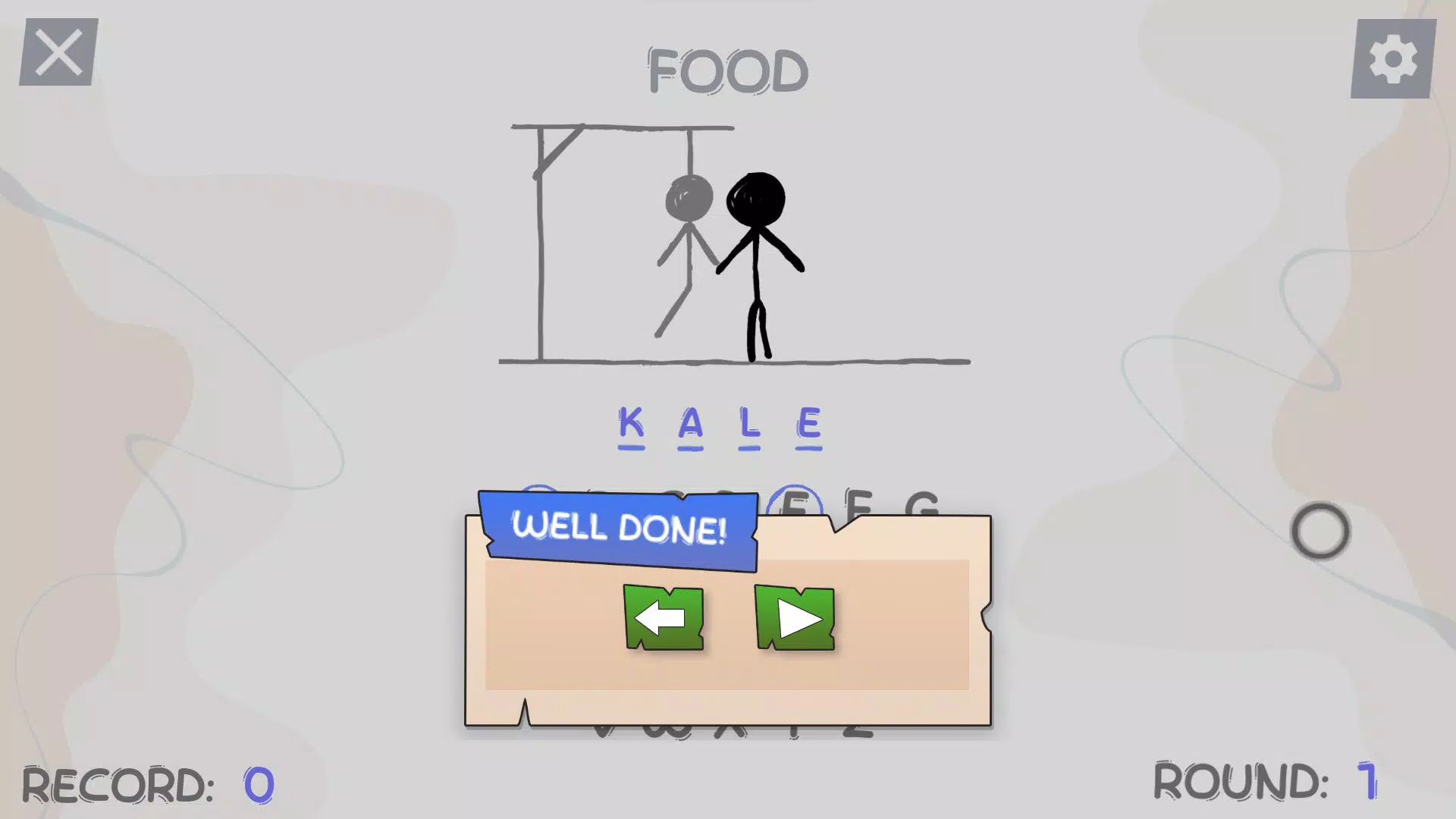
The user interface of Hangman Classics for XBOX and PC is designed with clarity and accessibility in mind. The layout centers around a clean, minimalistic display that highlights the word grid, the hangman drawing, and the available letter choices. Navigation is intuitive, with straightforward controls suited for both keyboard and controller input, ensuring seamless play across different devices.
The visual style balances retro charm with modern usability, using legible fonts and a color scheme that reduces eye strain during extended sessions. Although the developer did not list formal performance metrics, the app appears optimized for smooth operation across a range of PC and XBOX hardware configurations. Responsiveness is consistent, with quick feedback when letters are selected or guessed.
Stability is maintained through a lightweight codebase that avoids unnecessary background processes. The game maintains consistent frame rates and load times, contributing to an enjoyable, uninterrupted experience. The absence of ads or in-app purchases further enhances performance by eliminating potential lag from third-party content.
Overall, the UX prioritizes user comfort and focus, making it suitable for both short bursts of play and longer engagement sessions.
Platform Compatibility & Technical Requirements
Hangman Classics for XBOX and PC is available on both Windows PC and Xbox consoles, making it accessible to a broad audience of gamers and learners. The application supports the latest versions of the Windows operating system and Xbox Series X|S, as well as older Xbox One models, though specific compatibility details were not disclosed. The file size of the app is not publicly listed, but based on the nature of the game—text-based with minimal graphics—it is expected to be lightweight, likely under 500 MB.
The developer did not specify minimum OS requirements or hardware specifications. However, the game’s simple mechanics and low graphical demands suggest it will run smoothly on most modern systems. Users are advised to ensure their device meets standard system requirements for running Windows or Xbox apps.
No additional software or plugins are required for installation or operation.
Pros and Cons
Pros
- Ad-free gameplay ensures uninterrupted focus and enjoyment
- Supports multiple languages, enhancing educational and cultural value
- Privacy-first approach with no personal data collection
- Simple, intuitive interface suitable for all age groups
- Progress tracking encourages long-term engagement and skill improvement
Cons
- Specific system requirements were not listed by the developer
- No online multiplayer or social sharing features included
- Limited customization options for game settings or visuals
- No offline mode details provided, though likely available
- Gameplay remains unchanged from the classic version, which may limit appeal for some modern players
FAQ
Is Hangman Classics safe to download and install?
Yes, the game is designed with privacy and security in mind. It does not collect personal data or require access to sensitive device functions, making it safe for users of all ages.
Can I play Hangman Classics offline?
While the developer did not explicitly confirm offline functionality, the game’s minimal design and lack of online dependencies suggest it can be played without an internet connection.
Is Hangman Classics available on mobile devices?
Based on the current release information, the app is exclusively available for PC and Xbox platforms. No mobile versions were mentioned.
How often are updates released for Hangman Classics?
Specific update frequency was not provided. However, the game’s stable design and focus on core functionality suggest updates may be infrequent but meaningful when released.
Can I use Hangman Classics for educational purposes?
Yes, the multi-language support and progress tracking features make it a suitable tool for language learning, vocabulary building, and classroom activities.
Final Thoughts
Hangman Classics for XBOX and PC stands out as a refreshingly authentic take on a classic game, combining nostalgia with modern usability. Its emphasis on privacy, multi-language support, and ad-free gameplay makes it an ideal choice for families, educators, and language enthusiasts. While it lacks advanced features like online multiplayer or extensive customization, its strength lies in simplicity, reliability, and educational value.
The clean interface and smooth performance ensure that users can focus on the core experience—guessing words, expanding vocabulary, and having fun. For anyone seeking a secure, distraction-free word game that respects user privacy and promotes learning, Hangman Classics delivers a compelling package. Download Hangman Classics now and rediscover the joy of language in its purest form.


